
Choosing a bank account used to mean picking whichever high-street name had a branch near you. Now plenty of people run their whole financial life from an app, and never set foot in a branch.
So which is better, an app-only bank or a traditional one? It depends on how you actually use your money. If you budget on your phone, travel a lot or want instant alerts, a digital bank has real advantages. If you handle cash, want face-to-face help or like having your mortgage and current account in one place, a traditional bank still earns its keep. And plenty of people end up using one of each.
This guide covers safety, fees, cash, support and switching so you can decide, and explains what changes if you live in the US.
Key Takeaways
- Digital banks (such as Monzo, Starling and Chase UK) run entirely through an app. They tend to be strongest on budgeting tools, instant notifications and cheap spending abroad.
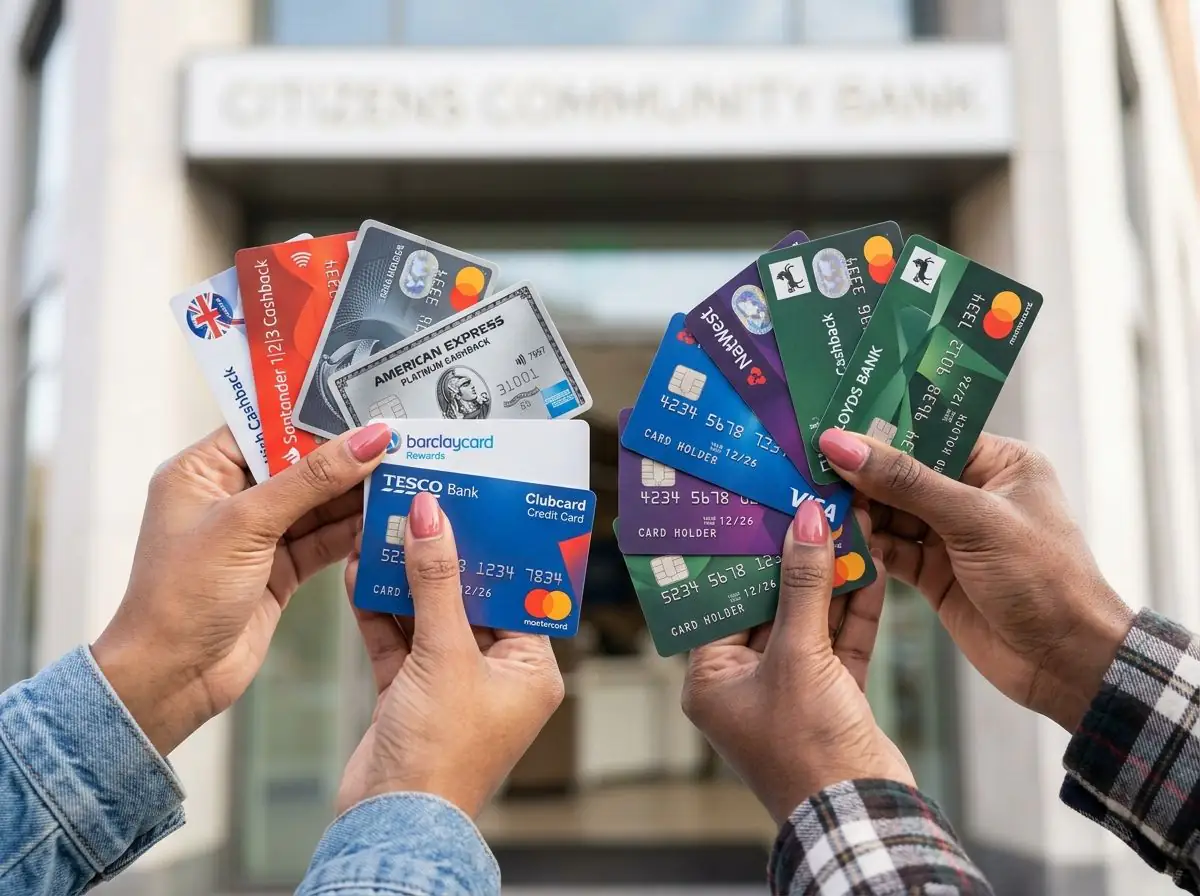
- Traditional banks (such as Barclays, HSBC, Lloyds, NatWest and Santander) offer branches, easier cash handling and a wider range of products, including mortgages.
- UK-authorised digital banks are covered by the FSCS up to £120,000 per person, per authorised firm, the same as high-street banks. The limit rose from £85,000 on 1 December 2025.
- Not every money app is a bank. E-money firms safeguard your money, but it isn't FSCS-protected if they fail.
- A two-account setup often works best: a traditional bank for salary and bills, a digital bank for day-to-day spending and saving pots.
At a Glance: Digital vs Traditional Banks
| Feature | Digital banks | Traditional banks |
|---|---|---|
| How you bank | App only | App, online, phone and branch |
| Opening an account | Often minutes, from your phone | Online or in branch, sometimes slower |
| Budgeting tools | Usually strong (pots, categories, alerts) | Improving, but often more basic |
| Card spending abroad | Often no foreign transaction fee | Often a fee close to 3% |
| Paying in cash | Via Post Office or PayPoint, sometimes for a fee | Branch, Post Office or banking hub |
| Mortgages and large loans | Limited or none | Full range |
| Face-to-face help | No | Yes, where branches remain |
| FSCS deposit protection | Yes, if UK-authorised bank | Yes |
Fees and features change often, so check the provider's own website before opening an account.
What Counts as a Digital Bank?
A digital bank (also called an app bank, challenger bank or neobank) is a bank with no branches. You open the account, manage your money and contact support through an app, sometimes with phone support as well.
The best-known UK names, including Monzo, Starling and Chase UK, hold full UK banking licences. That means they're regulated like any high-street bank.
Not every money app is a bank, though. Some are e-money institutions or payment firms. They must keep customers' money separate from their own (known as safeguarding), but if the firm fails, that money isn't covered by the FSCS and getting it back can be slower and less certain. Before you use any app as your main account, look for the "FSCS Protected" badge or wording on its website, or check the firm on the FCA register.
Is Your Money Safe With a Digital Bank?
Yes, if it's a UK-authorised bank. According to the FSCS, eligible deposits are protected up to £120,000 per eligible person, per authorised firm. Before 1 December 2025 the limit had been £85,000 since 2017. It makes no difference whether the bank has 500 branches or none.
A few details matter:
- The limit is per banking licence, not per brand. Some banks run several brands under one licence, and those brands share a single £120,000 limit.
- Joint accounts get £120,000 per eligible holder, so up to £240,000 for a couple.
- Temporary high balances, for example after a house sale or an inheritance, can be protected up to £1.4 million for up to six months.
Scam protection is the same too
Since 7 October 2024, banks and payment firms have had to reimburse most victims of authorised push payment (APP) scams, where you're tricked into sending money to a fraudster by Faster Payments or CHAPS. The Payment Systems Regulator set the maximum at £85,000 per claim. Firms can deduct an optional excess of up to £100, though not from vulnerable customers.
The £85,000 scam cap was originally set to match the old FSCS limit. The FSCS limit has since gone up, but the APP reimbursement cap remains £85,000; the PSR's independent review was published in Q1 2026. Check the PSR for the current figure if you ever need to claim. The rules cover digital and traditional banks alike, as long as they're part of these payment systems.
Where Digital Banks Win
Budgeting tools
Instant spending notifications, automatic spending categories, savings pots, bill tracking and round-ups usually come as standard. Many traditional banks now offer similar features, but digital banks generally built them first and often still do them better. If you want to see where your money goes, pair the app with the FactsDeck budget planner to set limits for each category.
Cheaper spending abroad
Many digital banks charge no foreign transaction fee on card spending abroad, although some limit fee-free cash withdrawals. Traditional debit cards often add a fee close to 3% to every overseas purchase. On £1,000 of holiday spending, that's about £30 you could keep.
Speed and control
You can usually open an account in minutes, freeze and unfreeze your card instantly, block gambling transactions and set your own spending limits. Support is mostly through in-app chat, which is quick for simple questions but can be frustrating for complicated ones.
Where Traditional Banks Win
Branches and face-to-face help
For complicated situations, such as dealing with a bereavement, setting up power of attorney, paying in a large cheque or sorting out a fraud case, talking to someone in person can make a real difference. Branch numbers have fallen sharply over the past decade, but traditional banks still have them and digital banks don't.
Cash services
If you're paid in cash or run a small business that takes cash, a traditional bank is usually easier and cheaper. Customers of most UK banks can pay in and withdraw cash at the Post Office. Where branches have closed, shared banking hubs are opening, after LINK (which runs the UK's cash machine network) assesses whether the community needs one. Digital banks generally rely on the Post Office or PayPoint for deposits, and some charge for it.
Everything under one roof
Traditional banks offer mortgages, larger personal loans, savings, investments and business banking alongside your current account. Some lenders offer existing customers slightly better deals or a smoother application process, although it still pays to compare the whole market.
Credit Checks and Overdrafts
Opening a current account with either type of bank usually involves a credit check, especially if you apply for an overdraft. A hard search leaves a mark on your credit file that's normally small and temporary. Checking your own score beforehand never hurts it. Our guide Does Checking Your Credit Score Hurt It? explains the difference.
Overdraft pricing works the same way everywhere. Since FCA rules came into force in 2020, banks have to charge a single annual interest rate on overdrafts, with no extra fixed daily or monthly fees. Those rates are often high, and well above most personal loans, so check the representative APR before relying on an overdraft, whichever type of bank you use.
Which Should You Use?
| If you… | Best fit |
|---|---|
| Want to track every penny from your phone | Digital bank |
| Travel abroad often | Digital bank |
| Regularly pay in or withdraw cash | Traditional bank |
| Prefer face-to-face help | Traditional bank |
| Want your mortgage and current account together | Traditional bank |
| Want the best of both | One of each |
The two-account setup
Many people get the best of both by using:
- A traditional bank for salary, rent or mortgage, and bills
- A digital bank for everyday spending, travel and savings pots
Each payday, move a set "spending" amount into the digital account. Whatever's left in it is what you can spend, and your bills are kept safely apart. If you're weighing up the app banks themselves, our Monzo vs Starling vs Revolut comparison goes through them side by side.
How to Switch
To move your main account, the Current Account Switch Service is free and used by most UK banks and building societies, digital and traditional. Your new bank moves your balance, direct debits and standing orders within seven working days of the switch date you choose. Payments sent to your old account are redirected for 36 months, and the guarantee refunds any interest or charges if something goes wrong.
Some banks pay a bonus for switching, but there are usually conditions such as a minimum monthly deposit. Read the terms first.
If you're only adding a second account, you don't need to switch. Open the new account and move money across when you need to.
For US Readers
The picture is similar, but the protections work differently:
- Deposit insurance: US bank deposits are covered by the FDIC up to $250,000 per depositor, per insured bank, per ownership category (credit unions are covered by the NCUA).
- Many US "neobanks" aren't banks. Popular fintech apps often hold your money at a partner bank. FDIC cover protects you if that partner bank fails, but not if the fintech itself fails, and in that case getting your money back can take a long time. Check the app's disclosures to see which bank holds your deposits.
- Scam refunds: the US has no mandatory reimbursement scheme like the UK's APP rules. Protections for unauthorised electronic transfers exist, but if you were tricked into sending money yourself, getting it back is much harder. The CFPB is the place to complain.
Don't Leave Savings in Either
Neither type of current account is usually the best home for savings. Most pay little or no interest on everyday balances, and savings pots don't always pay competitive rates. Before choosing an account, it's worth deciding how much you need to keep easy to reach. Money you won't need for a while is better in a dedicated savings account. Our guide to the best high-interest savings accounts in the UK shows where to look.
What This Means for You
Digital banks are usually better for budgeting, control and spending abroad. Traditional banks are better for branches, cash and big products like mortgages. If they're UK-authorised banks, both are equally safe and come with the same scam protections. The one real risk is assuming every money app is a bank. If you can't decide, you don't have to choose: use a traditional bank for bills and a digital one for spending.
What You Should Do Next
- Check whether your money app is a bank: look for "FSCS Protected" or search the FCA register
- Add up how much you hold with each banking licence, and keep it under £120,000 per person
- Look at what your current card charges on foreign spending before your next trip
- Decide whether you need cash services or branch access, and find your nearest Post Office or banking hub
- Try the two-account setup by moving a fixed spending amount each payday
- Move savings you won't need soon out of your current account and into a savings account
Frequently Asked Questions
Are digital banks as safe as traditional banks?
Yes, if they're UK-authorised banks. Eligible deposits are protected by the FSCS up to £120,000 per person, per authorised firm, exactly as at a high-street bank.
Can I pay cash into a digital bank?
Usually, yes, at a Post Office or through PayPoint, but some digital banks charge a fee. If you handle a lot of cash, a traditional bank is generally easier.
Can I get a mortgage from a digital bank?
Most UK digital banks don't offer residential mortgages. You can still get a mortgage from another lender while doing your everyday banking with a digital bank.
Does having two current accounts hurt my credit score?
No. Having more than one account doesn't harm your score by itself, although opening one may involve a hard search, which has a small, temporary effect.
How long does it take to switch bank accounts?
With the Current Account Switch Service, a full switch takes seven working days. Payments sent to your old account are redirected for 36 months.
This article is for educational purposes only and isn't financial advice. Figures are based on information from the FSCS, the Payment Systems Regulator and the Current Account Switch Service, checked in October 2026. For free, impartial guidance, visit MoneyHelper.